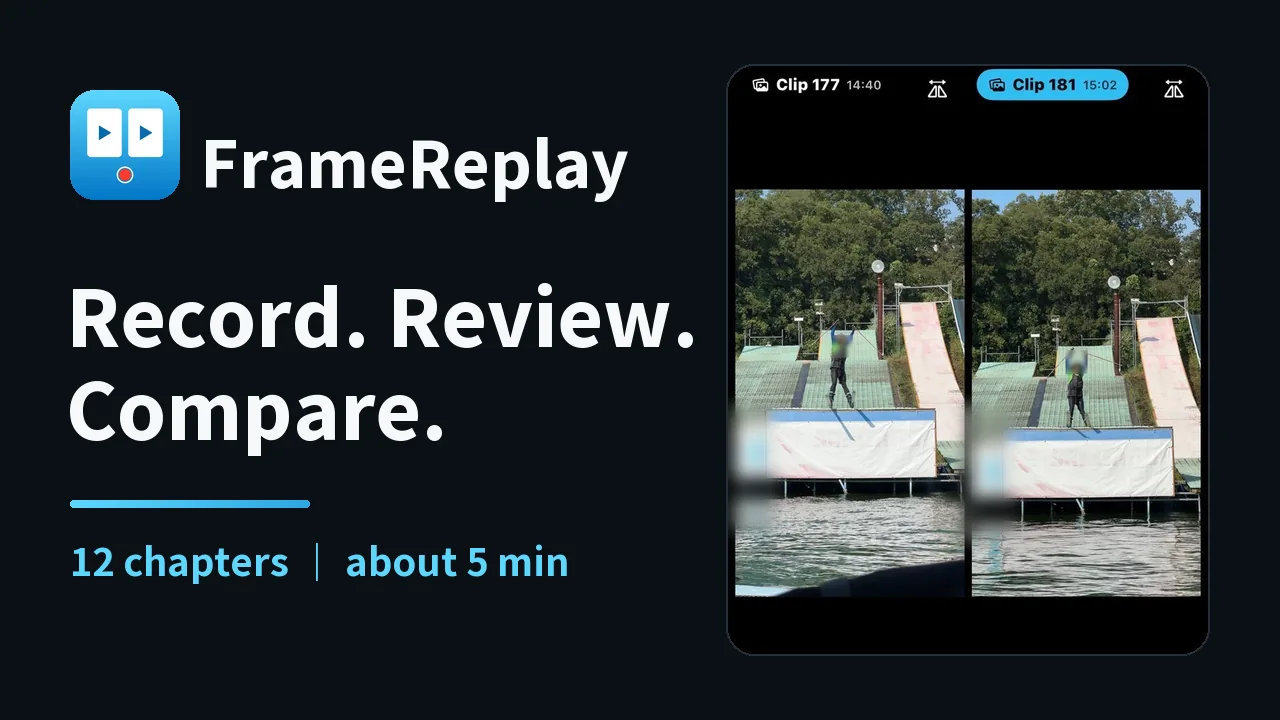
Compare & Overlay PRO
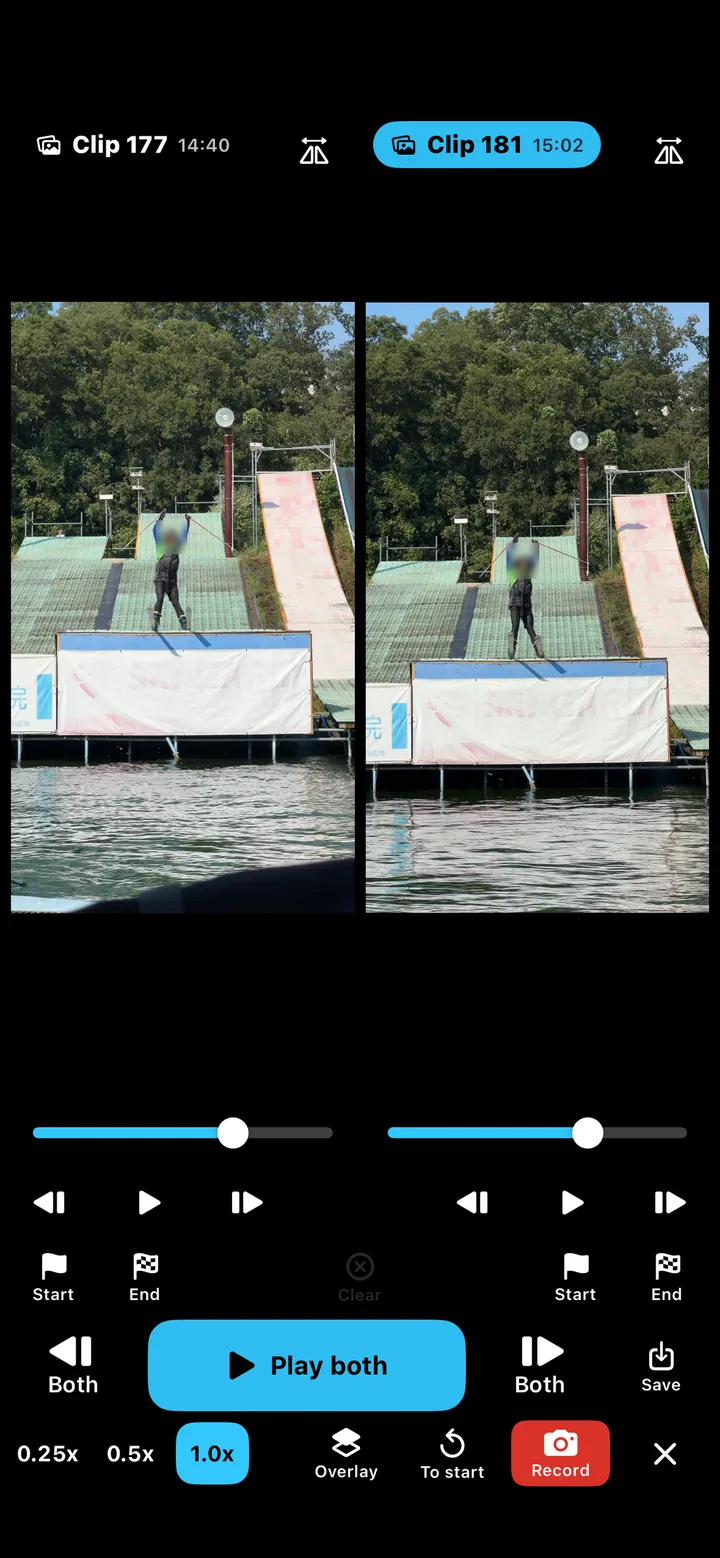
Compare two takes side by side, play in sync, or overlay.
Try it three times before you buy.
Instant frame-by-frame review
An iPhone / iPad app for coaches and athletes to capture, review, and compare on the spot.
Built by a coach, for the field
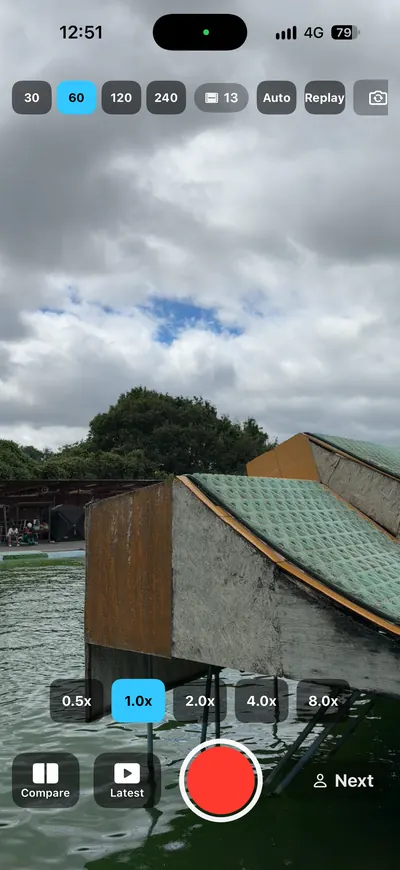
Capture and check
Keep the practice flowing.
See the details
Frame-by-frame and slow motion.
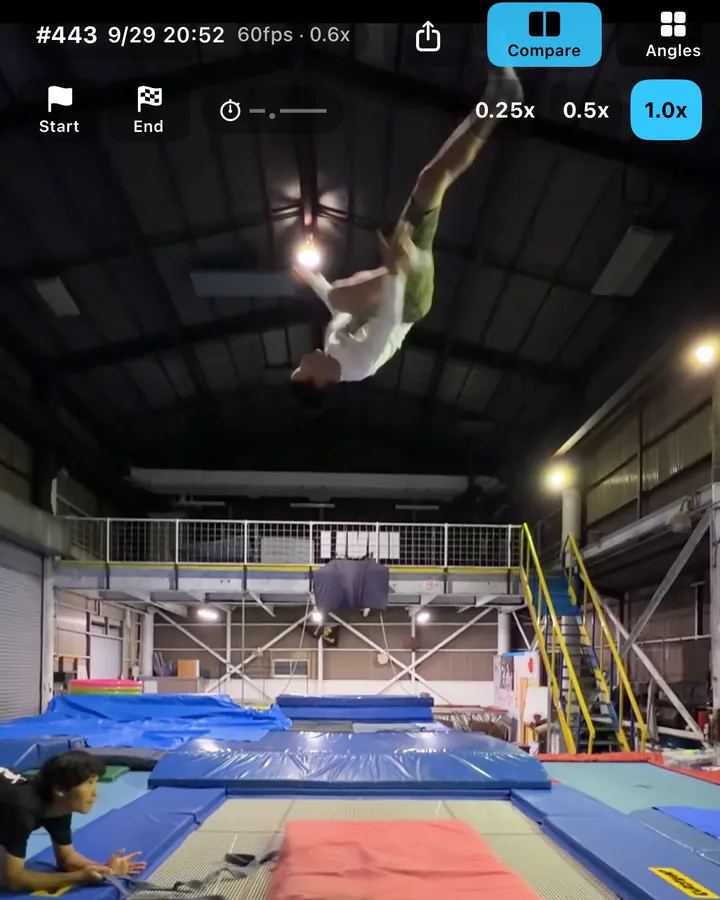
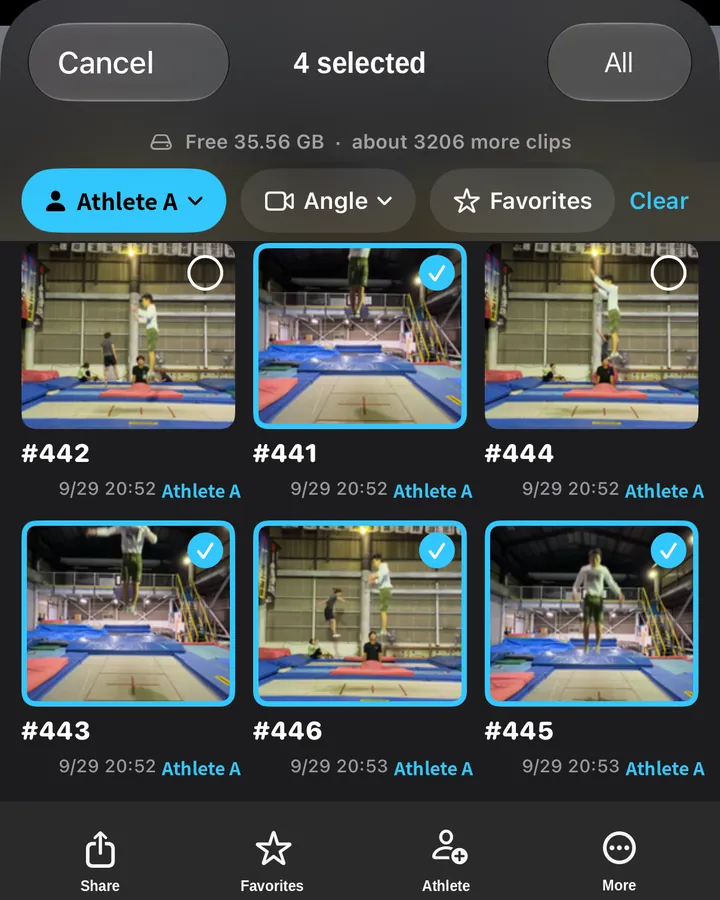
Compare two takes
See your progress on the spot.
A short loop that keeps running through the whole session.
Record
Capture your run
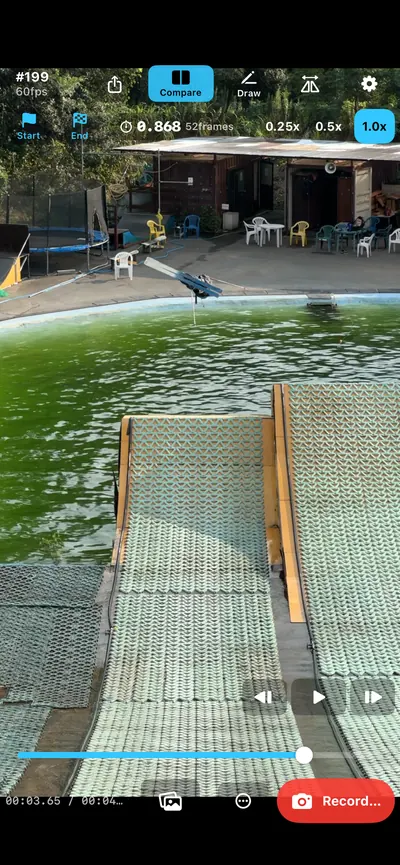
Watch
Review right away
Step frame by frame
Check key moments
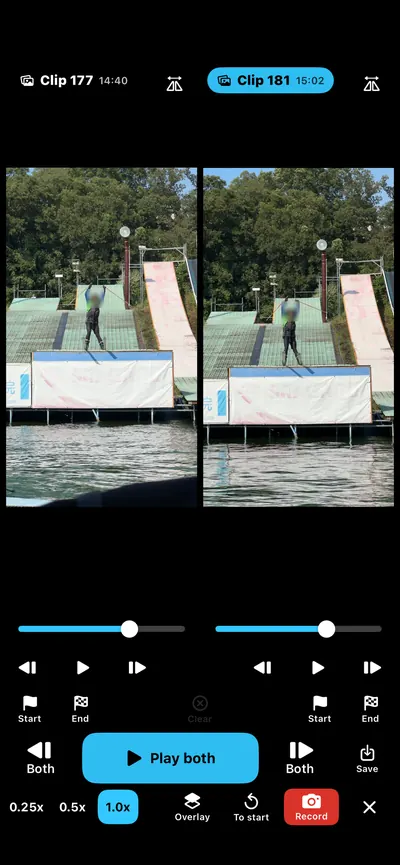
Compare PRO
Side by side
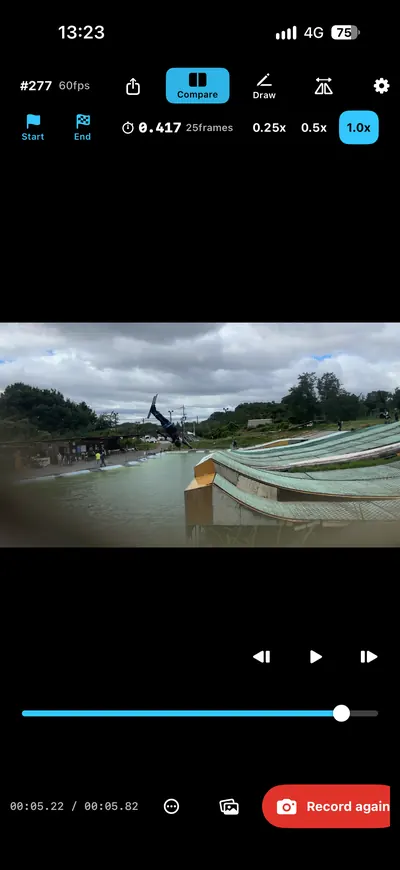
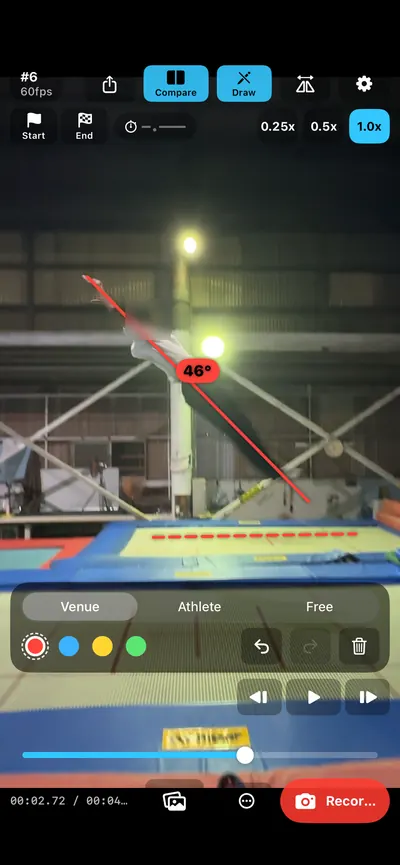
Add lines & angles PRO
Analyze your movement
Record again
Next take
Compare two takes side by side, play in sync, or overlay.
Try it three times before you buy.
Draw lines and show angles to analyze your movement.
Try it three times before you buy.
No scores. No automatic judgment.
FrameReplay is a tool for people to watch and decide for themselves.
These four, plus the two above. A one-time purchase — there is no subscription and no recurring payment.
If you installed FrameReplay from the App Store before 21 September 2026, Pro is already on for you. There is nothing to buy again and nothing to apply for — you will see a note at the top of the app's settings screen.
Replay while recording PRO
Look back at what just happened without pressing record.
Continuous mode PRO
Set the device down. It finds the movement, splits each take, and plays it back.
Export with edits PRO
Save at the speed you are watching, or save a compared pair as one video.
Import from an SD card PRO
Requires a FlashAir Wi-Fi SD card and a video camera. Clips arrive in the order they were shot.
Coach Taisei Watanabe was training alone at a water jump. He set his device down, turned on continuous mode, and never touched it again. Jump, land, check the screen, jump again.
"No need to leave the camera running — it detects each jump on its own. Being able to compare takes made it genuinely useful."― Coach Taisei Watanabe (translated from Japanese)
Everything listed here is free to use.
High frame rate
30–240 fps, depending on your device
Slow motion
Loop a section
Air time
Flip left/right
Pinch to zoom
Import from Photos
Export
Save & share as recorded
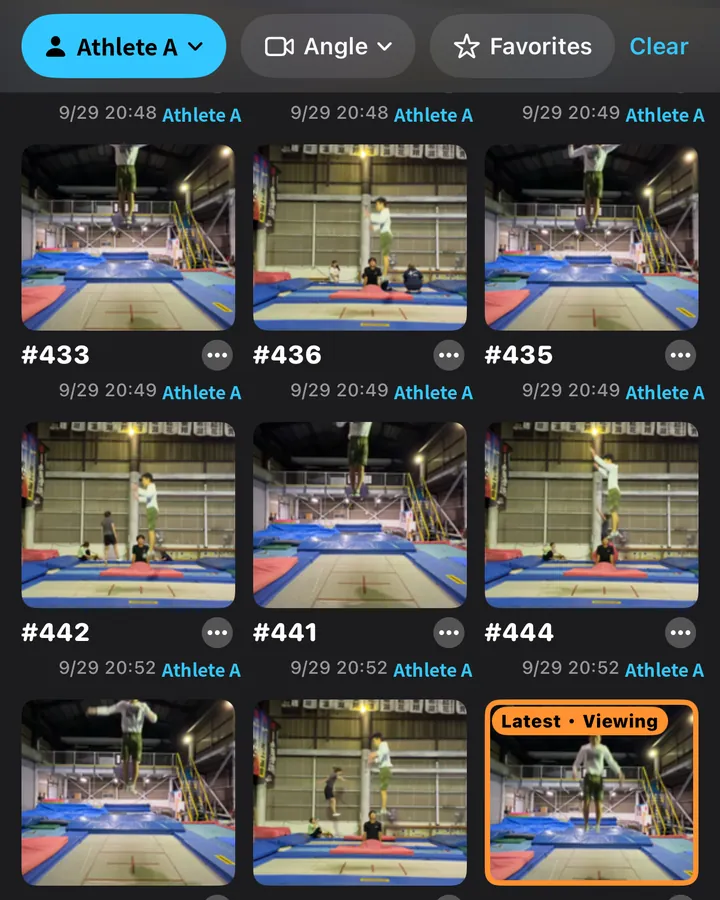
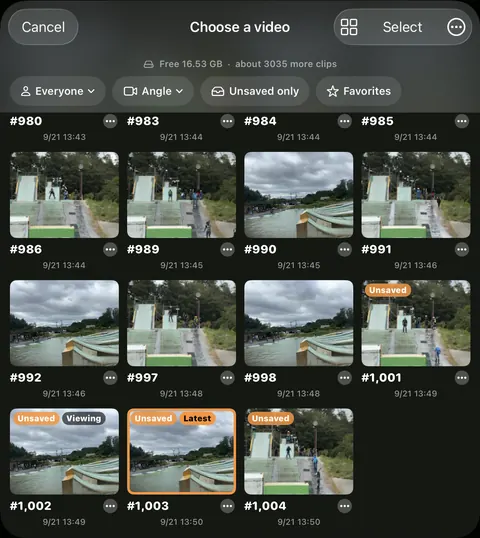
Video library
Athlete tags & filters
Favorites & reference take
Customizable controls
Japanese / English
Start recording from Apple Watch *
* Starting a recording from Apple Watch requires an Apple Watch running watchOS 26.2 or later.
In development
Capture the same take from multiple iPhones and automatically gather them on your device.
Concept image. MultiCam is in development and not included in the App Store version.
Skiing / Moguls
Film a run and review it before the next one.
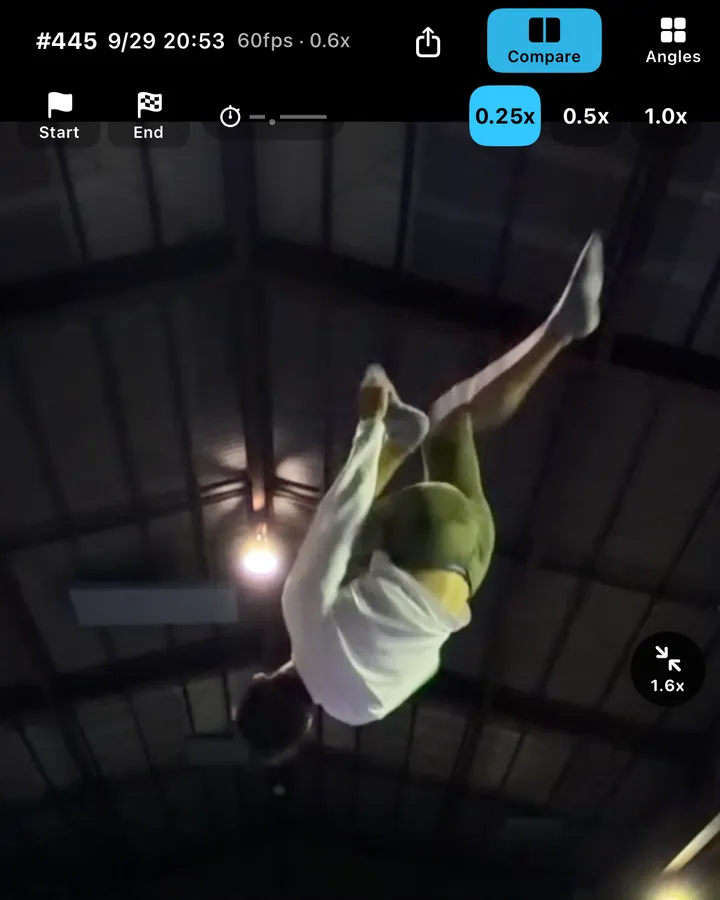
Gymnastics / Trampoline
Step through the entry and exit of a rotation.
Swimming
Draw a line on the start or the entry angle.
Trainers / Physio
Put today next to last time and talk it through.
And more
Any sport where you check movement on video.
Recording, frame-by-frame stepping, slow motion, section loops, air time, flip, zoom, importing from Photos, exporting as recorded, the video library, favorites and reference takes, customizable controls, and Japanese / English switching are all free. Recording and frame-by-frame review stay free.
Six features: compare two takes, lines & angles, replay while recording, continuous mode, export with edits, and importing from an SD card (FlashAir).
No. It is a one-time purchase. There is no subscription and no recurring payment.
No. Your videos are stored on your device only. There is no server belonging to us. The only connection the app makes to the internet is to Apple, for the in-app purchase.
No. FrameReplay does not score or judge anything automatically. It is a tool for people to watch and decide for themselves.
iPhone and iPad running iOS 17.0 or later. Starting a recording from Apple Watch requires watchOS 26.2 or later.
Not yet. MultiCam is in development and not included in the App Store version.
FrameReplay
Free to download. Compare, overlay, and lines & angles are part of FrameReplay Pro (one-time purchase, $59.99 in the US).
iPhone / iPad, iOS 17.0 or later